MicoLa
Snap it, practice it, remember it.
Got a test coming up and don't know where to start? Take a photo of vocabulary from your textbook, notebook, or what the teacher wrote on the board. The app processes it and creates a clear lesson. You can prepare it yourself, or have a parent or friend send it to you — then just practice. A few minutes a day and the words will stick in your head.
What catches you
- Photo → you have a lesson: vocabulary from textbook, notebook or blackboard in seconds.
- Short rounds: learning that you can fit in even between doors.
- Pronunciation at hand: hear how it sounds right.
- Smart repetition: learn in a way that lasts longer.
- Groups and sharing: parent prepares a lesson for you, or you share it in class.
- Notifications only when needed: you get a notification when someone sends you a new lesson (e.g., mom or classmate).
- Simple environment: pleasant colors, clean design, everything in a few clicks.
How it works
- You photograph vocabulary for the test — from textbook, notes, anywhere.
- The app creates a practice lesson from them.
- You do a short round and move on.
- In class or family you send lessons and motivate each other.
Who is it for
- For students: quick preparation for test or exam.
- For parents: prepare a lesson and send it to children, you know they're learning.
- For teachers and classmates: sharing lesson in class in seconds.
Why it works
- You learn exactly what you need for the test — no unnecessary things.
- Short doses regularly: small steps, big results.
Start today. Photograph the vocabulary waiting for you on the test and turn it into a lesson you'll remember. Foxling Scholar — learning that is natural, easy and feels good.
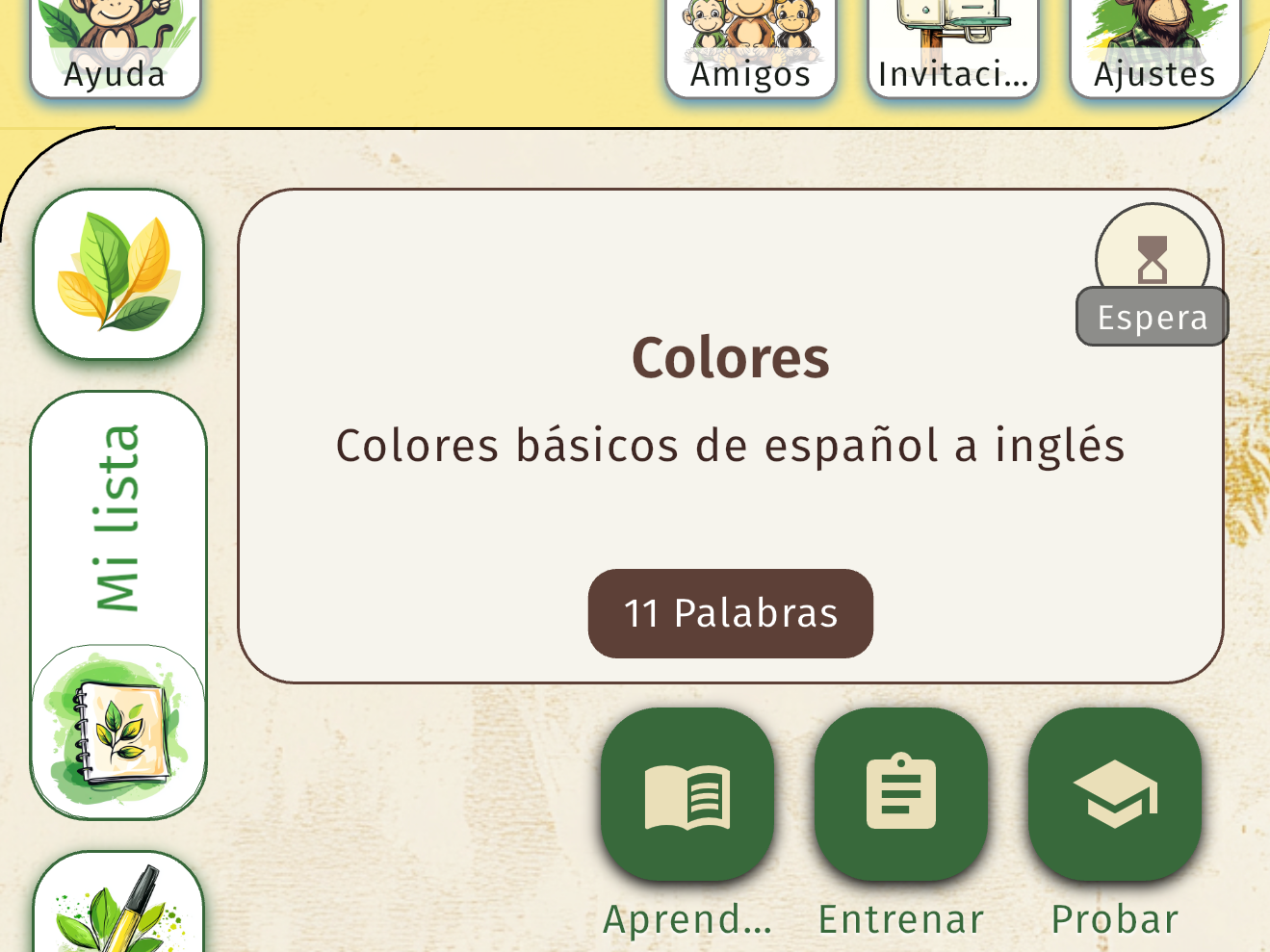
Step 1
Open the lesson and start learning,<br/> choose from different lesson types.

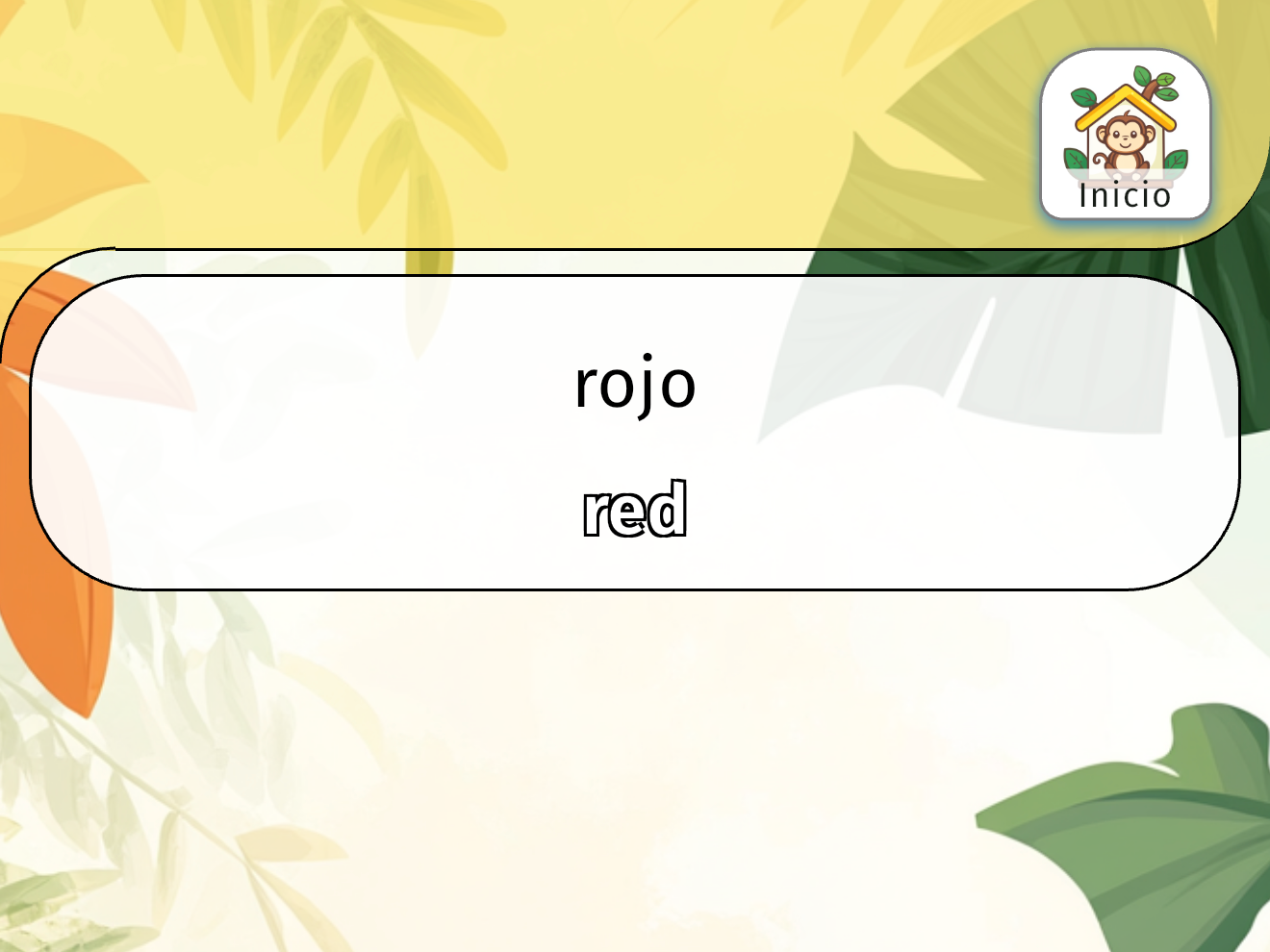
Step 2
Learn the words using interactive exercises and listening.
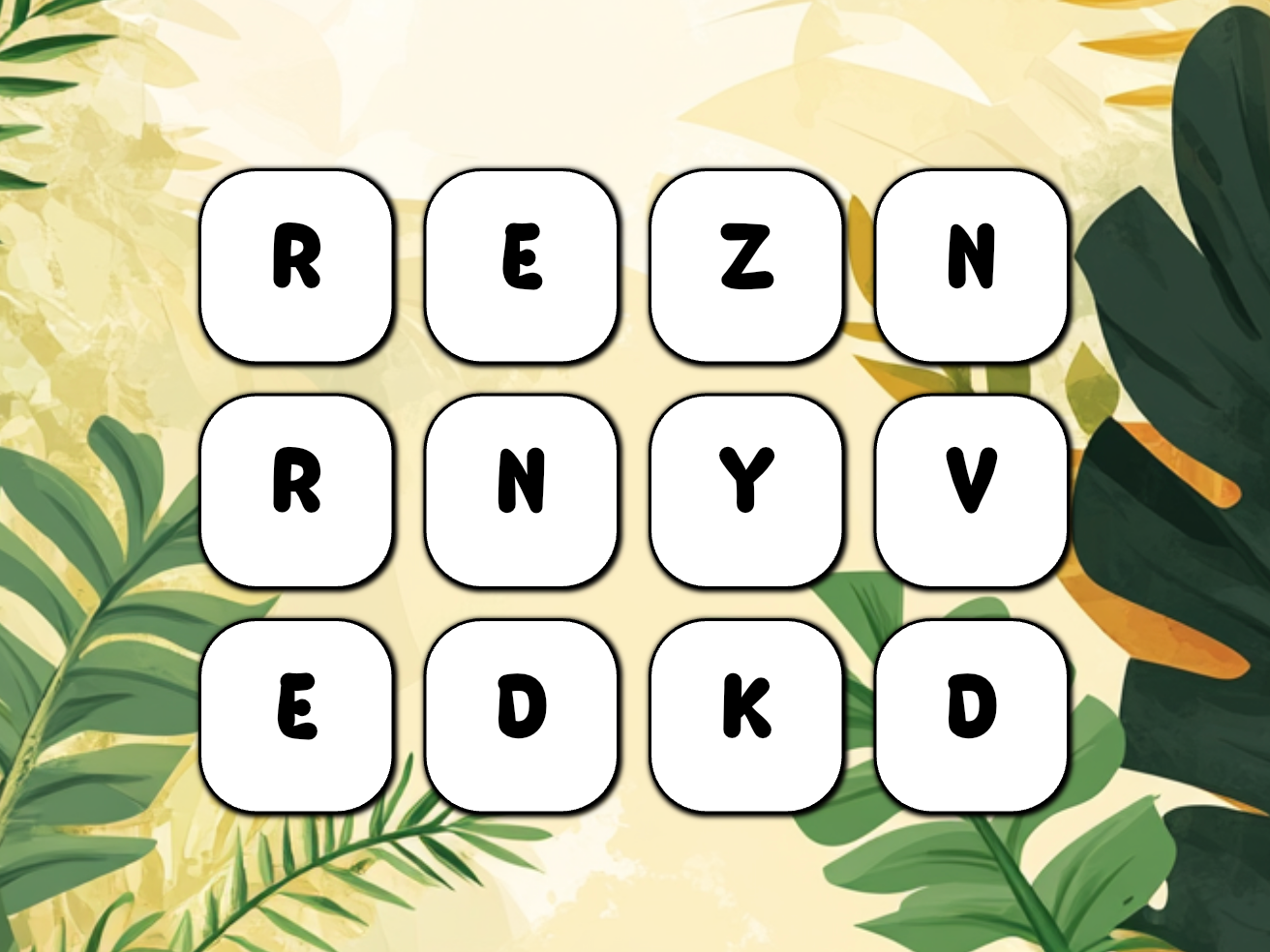
Step 3
Write the words repeatedly until you know them, and listen to their pronunciation.
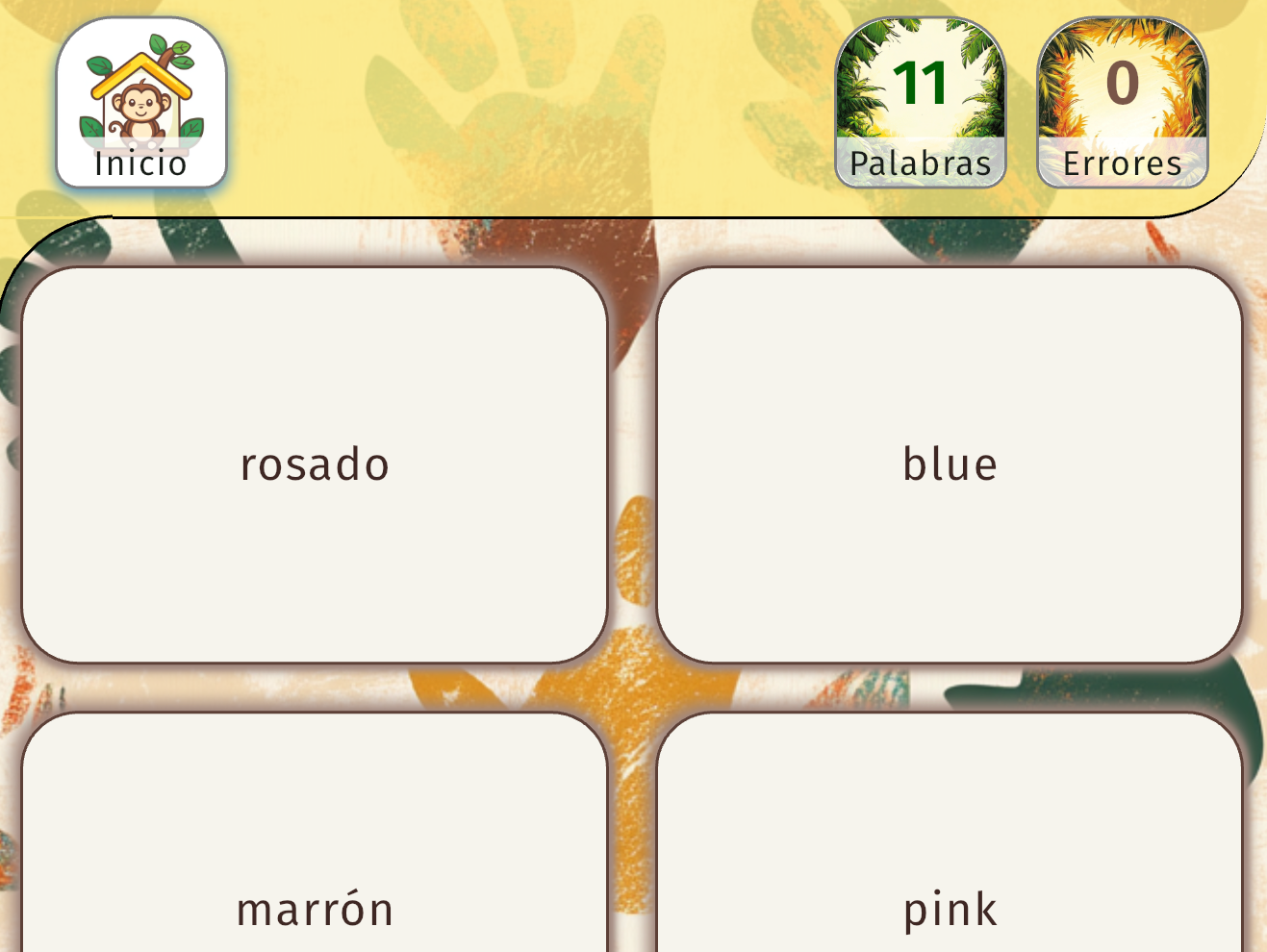
Step 4
Match words that belong together